Inventory Numbers Don’t Add Up: What Could Be Happening?

Have you ever ran out of an ingredient before Feed Supervisor said you would? Feed Supervisor uses calculated shrink numbers when in the ‘Inventory Analysis’ screen… unless you tell it not to. When looking at the ‘Inventory Analysis’ screen you will see a value labeled ‘Projected Shrink’. This number is plugged in when you set up the ingredient for your farm (under ‘Feed Types’). Industry standards are 8-12% shrink for most ingredients, but some farms have shrink levels as high as 20% for some ingredients. If you want Feed Supervisor to give you accurate information on your farm’s shrink, you need to tell it when you run out of an ingredient.
Initial set up will give you a run out date, and if that is inaccurate, this just means your projected shrink number is wrong. That is okay! We don’t use book values for haylage and corn silage because we can send samples to the lab and balance based on actual farm ingredients. The same can be said about shrink. We start with a book value and as we enter better information the run out date will become more accurate over time.
Real life example:
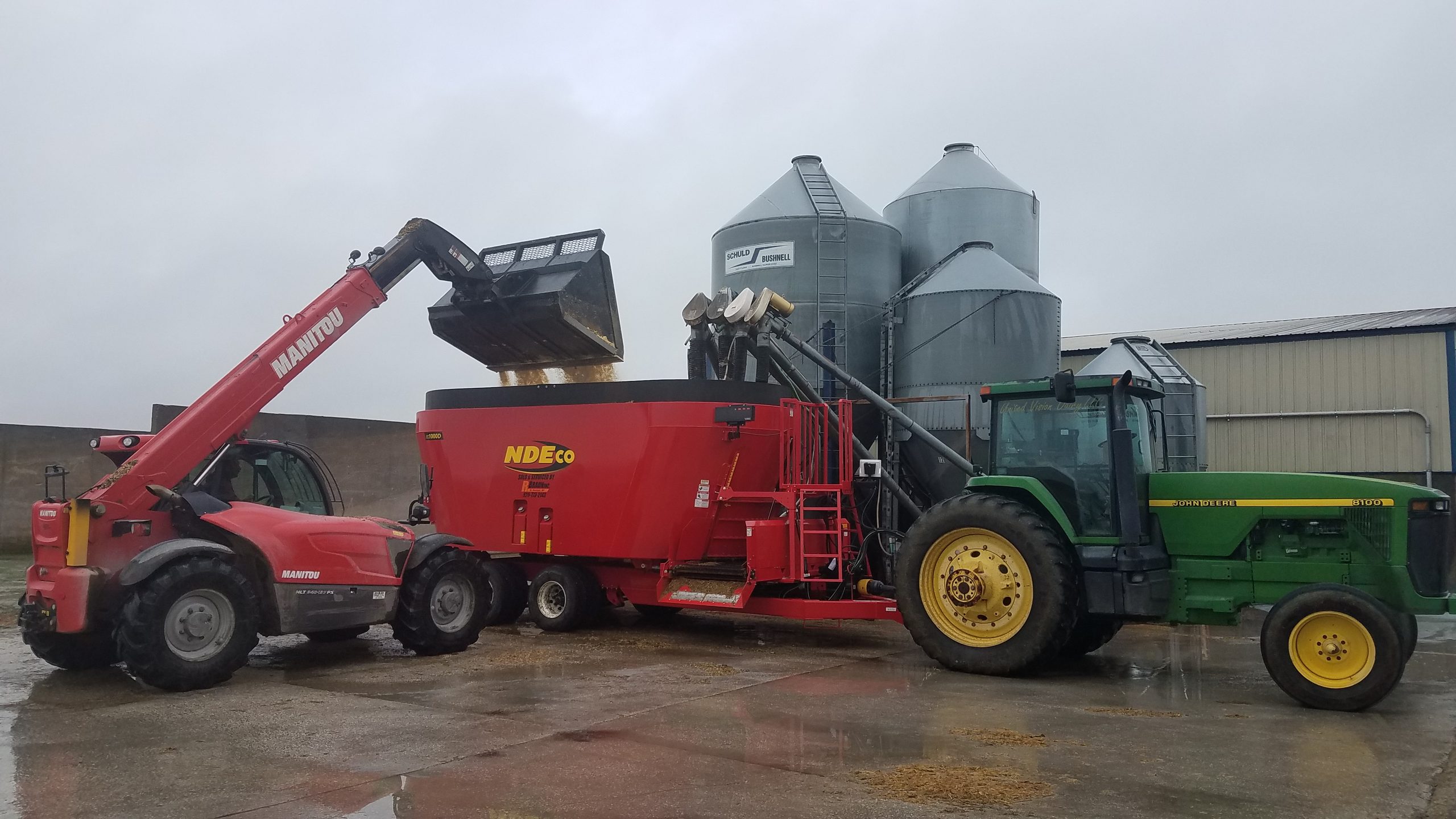
Farmer Joe will start feeding soybean meal (SBM) as it’s own ingredient on Thursday, October 1st. He plans to get the SBM delivered into a bulk auger bin. As he sets up the ingredient in Feed Supervisor, he inputs 6% shrink under ‘Projected Shrink’ in the ‘Add a Feed Type’ section. Farmer Joe looks at his ‘Inventory Analysis’ tab in Feed Supervisor on Monday, October 5th and sees that the expected run out date for his load of SBM is Saturday, October 10th. On Friday morning Farmer Joe’s feeder calls in a panic. Is the SBM truck scheduled to arrive soon? The bin is empty!
What happened?
The projected shrink value was wrong! Farmer Joe underestimated the amount of shrink that he would have with SBM, so the bin ran out before the computed inventory did.
How to fix it?
If Feed Supervisor shows that your SBM will last until Saturday, but it ran out on Friday morning, enter this data into your software on the ‘Inventory Analysis’ tab. Simply click on the empty box in the row of the ingredient that you want to update and enter the value of zero and the time that you ran out. This will automatically fill in the ‘Last Shrink’ value.
After Farmer Joe reconciled his feed inventory, he learned that his 6% estimated shrink for SBM was off by two percent. Feed Supervisor will use ‘Last Shrink’ values for an ingredient instead of ‘Projected Shrink’ values only if you have told it that the ‘Projected Shrink’ value was wrong. If you never put a date and time for when you run out of an ingredient, it will always use book values for shrink instead of what is really happening on your farm.
Feed Supervisor will work better for you when you input better information!
Give us a call at 715-755-3575 if you need help navigating within Feed Supervisor!